Automatic check-in for Scoot

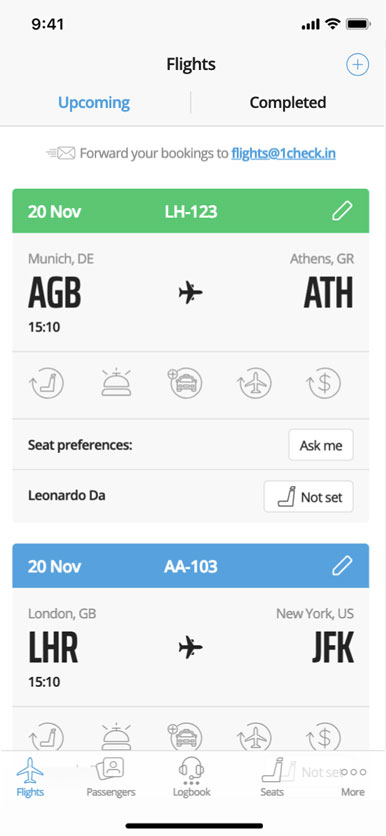
Automated online check-in with 1Checkin for Scoot or any other airline! Just forward your booking confirmation to tz@1check.in, information will be extracted automatically, and your upcoming check-in scheduled.
Your boarding passes will be available in the app or via email.

Forward your Scoot booking and we do your online and web check-in the moment it opens — best seat, boarding pass in the app.

How it works

  1. Forward your Scoot booking to tz@1check.in
  2. We do your web check-in the moment it opens
  3. Get your boarding pass — seat secured

Apple App Store Google Playmarket

Useful information about Scoot online check-in.
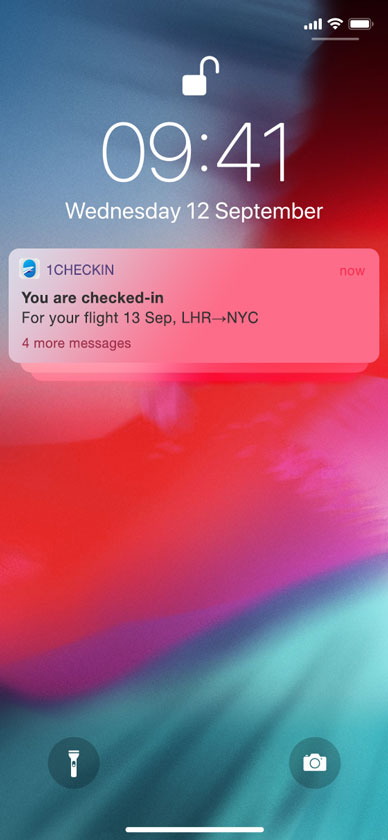

Never get stuck in the middle seat

1Checkin means pre-trip peace of mind. You’ll get checked-in automatically as soon as online check-in opens, regardless where you are in the world, even if you are offline. Manage and track all your flights, and access your boarding passes in one place.

Automated check-in Manage upcoming flights Works offline Set your seat preferences Track your flights

Sign up!

Scoot check-in — questions answered

How do I do Scoot web check-in?

Forward your booking to tz@1check.in and 1Checkin does your Scoot online and web check-in automatically when it opens, then emails your boarding pass.

When does Scoot check-in open and close?

See the check-in window above — we check you in the moment Scoot check-in opens.

Can I choose my seat on Scoot?

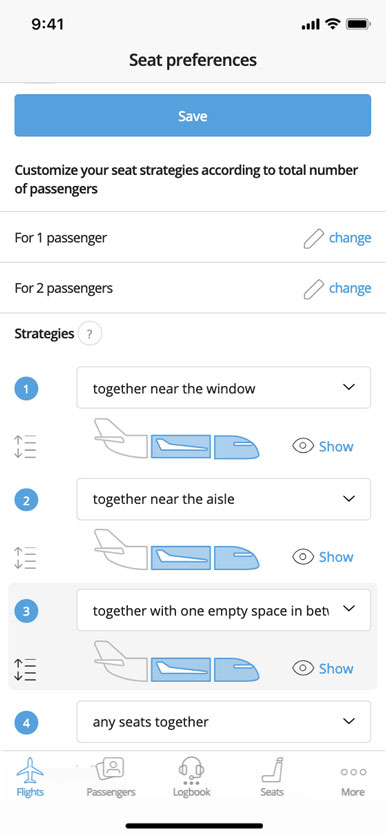
Set your seat preferences and we'll secure your preferred seat whenever free seat selection is available on Scoot.

How do I get my Scoot boarding pass?

We email it and store it in the app — available offline too.

Send your Scoot booking to tz@1check.in and get checked in automatically.

Sign up!

Check it out!

Download our app today and let 1Checkin manage your next flight’s check-in

Apple App Store Google Playmarket